Mouser
A downloadable tool for Windows
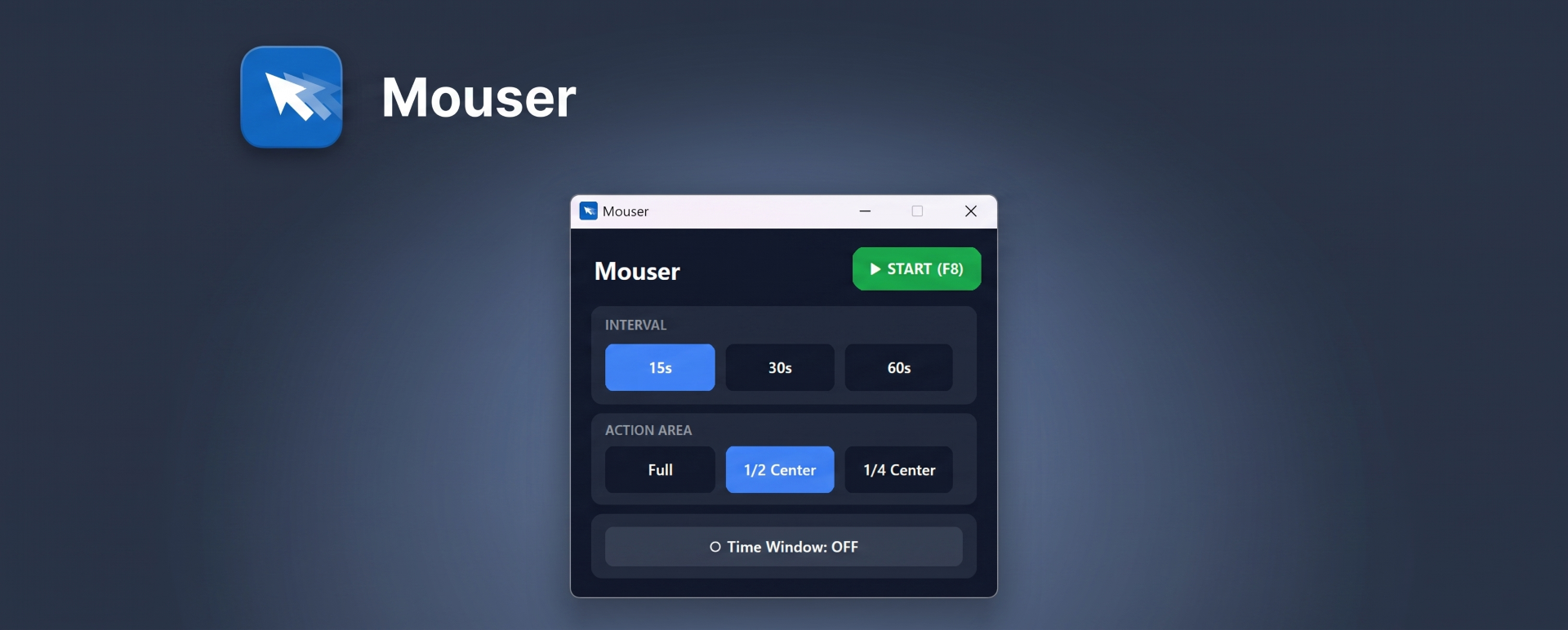
Mouser is a sleek, minimal, and highly efficient mouse automation tool built natively for Windows.
Designed to be lightweight and completely portable, Mouser helps you prevent your computer from going to sleep or showing as "Away" in messaging and work apps. It does this by subtly moving your cursor without ever clicking, avoiding the bloatware, heavy background processes, or outdated 90s interfaces found in traditional mouse jigglers.
✨ Key Features
Modern & Minimal UI: A clean, dark-mode native interface that looks great and is incredibly intuitive to use.
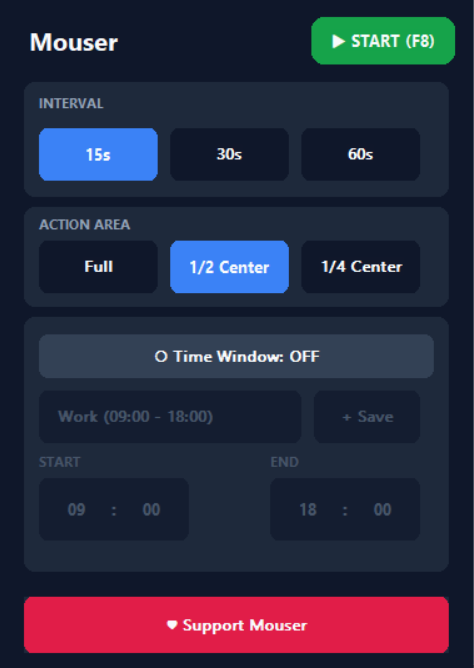
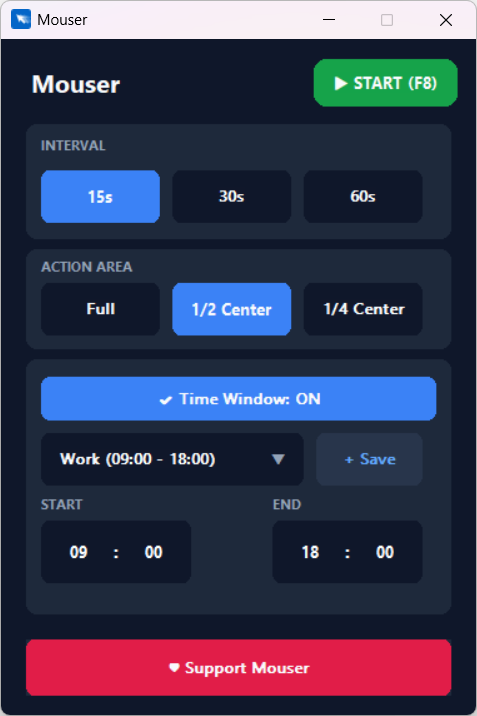
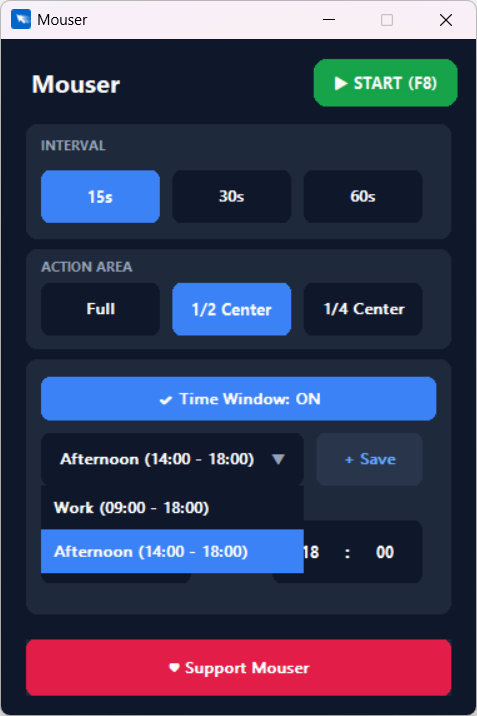
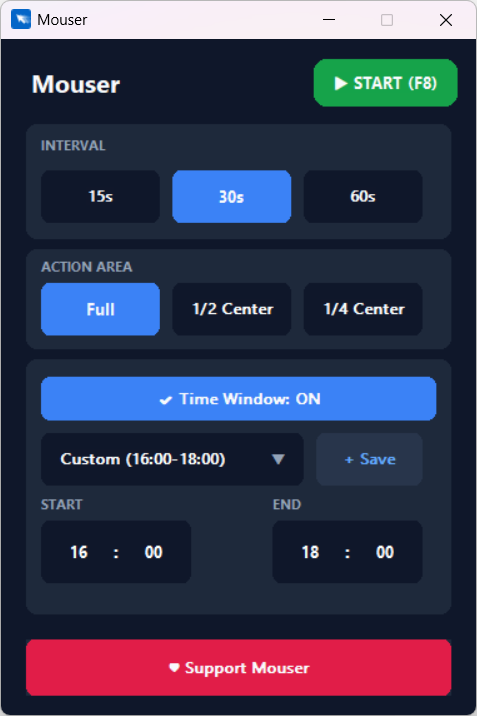
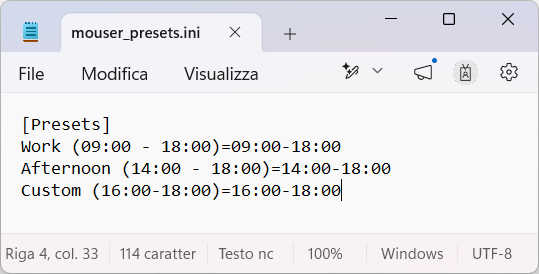
Smart Time Windows & Custom Presets: Don't just run it blindly. Set specific start and end times (e.g., 09:00 to 18:00) so Mouser only keeps your screen active within your defined schedule. You can save new time presets directly within the app. Upon its first launch, the program automatically generates a `mouser_presets.ini` file—you can easily open this file with any text editor to manually rename your presets, tweak the hours, or organize your schedules exactly how you like them.
Targeted Action Areas: Choose where Mouser is allowed to move. You can let it wander anywhere on the screen (Full), or restrict its movements to the center (1/2 Center or 1/4 Center) to avoid accidentally hovering over taskbars, triggering edge menus, or disrupting your workflow.
Custom Intervals: Choose between standard timing intervals (15s, 30s, 60s) for the mouse movements to fit your specific needs.
Zero Bloatware (Portable): No installation required. Just download the `.exe` and run it. It uses practically zero system resources.
Global Hotkey: Start and stop the automation instantly at any time by pressing F8.
🚀 How to use
- Download the `Mouser.zip` file and extract it.
- Run `Mouser.exe` (it's completely portable, no installation needed!).
- Select your desired movement interval (15s, 30s, or 60s).
- Choose the safe action area on your screen.
- (Optional) Turn on the Time Window feature and select a preset to limit when Mouser is active.
- Press F8 (or click the Start button) to let Mouser keep your session alive!
Note: A quick setup guide is also included in the README.txt file.
❤️ Support the Developer
Mouser is completely free to use. If you find this tool helpful for your daily workflow, consider supporting its development! You can make a donation here on itch.io or buy me a coffee on my Ko-fi page.
[Support Mouser on Ko-fi] https://ko-fi.com/smasdev
Download
Click download now to get access to the following files:
Leave a comment
Log in with itch.io to leave a comment.